
TRIXNER AI Workspace · Product in development
AI Workspace: personal AI assistants for your team.
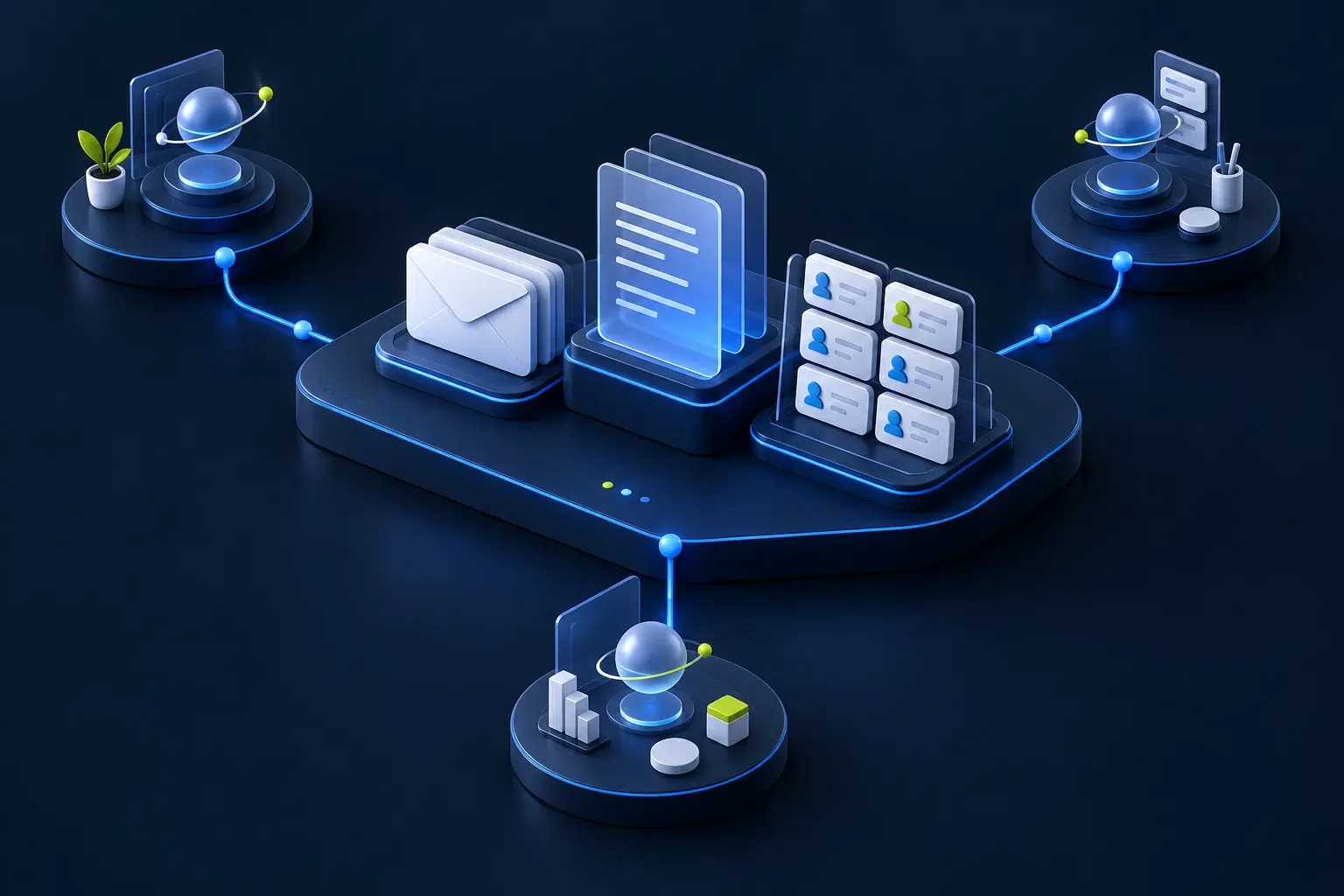
TRIXNER AI Workspace is a planned product for sales and service teams. It connects email, company knowledge and CRM so personal assistants can prepare responses and coordinate tasks across the team.
Preview the demo workflow without signing up. Then confirm your email address to start your own 14-day trial with sample data and real AI.
AI-generated illustration
01 · Personal assistance
Keep your day in view.
A workspace for your cases, draft replies and pending decisions is planned, keeping context and next steps together.
02 · Shared knowledge
With traceable sources.
Approved documents and customer records are intended to support relevant replies. Access permissions determine what each assistant may use.
03 · Coordinated collaboration
Handovers with clear ownership.
Technical questions are intended to reach the right person, with ownership, responses and approval recorded on the shared case.
One team, several assistants
Work together with controlled access to information.
The target design gives each employee a personal assistant. Shared company knowledge, role-specific information and private working notes are handled separately.
Assistants are designed to hand over clearly scoped tasks. A sales assistant does not thereby gain access to all technical or personal documents.
We assess possible integrations against your existing interfaces and permissions. The first pilot is intended to begin with one mailbox, one CRM and selected documents.
AI-generated illustration
Example scenario
From customer question to approved reply.
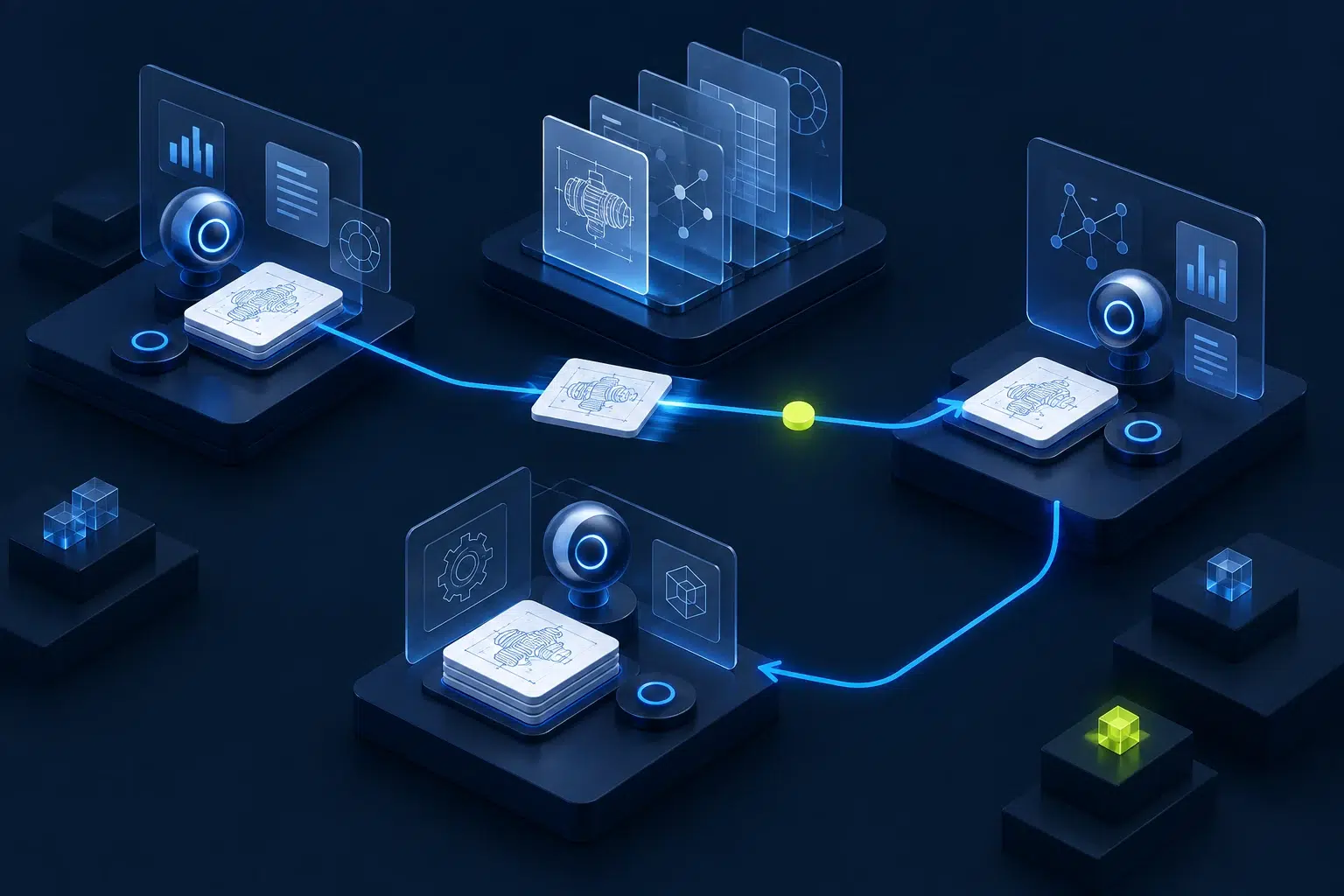
A spare-part enquiry arrives. The assistant is intended to identify the customer, find relevant product documents and flag missing information. A specific technical question goes to the expert team.
After the team responds, a reply is drafted with sources. An employee reviews the content and recipient. Sending and CRM documentation are intended to follow only after approval.
Automatic replies are planned as a later extension for clearly defined standard cases. Unclear details, prices and binding commitments require defined rules and accountable people.
Video in English · 58 seconds · with captions
Which workflow fits your team?
Start small, learn with focus
One workflow. A small team. Clear success criteria.
For an initial pilot, we envisage three to five users, one shared mailbox, one CRM and selected knowledge sources. Together, we define the cases to cover and where human decisions are required.
We measure handling time, draft quality, required corrections and reliable handovers before deciding on further integrations and automated steps.
A working demo with sample data is available. The product and its integrations are in development; the first pilot customer has not yet been selected. We define the scope, operating model and price of an individual pilot together after assessing your requirements.
What to know before getting started.
Is the workspace already available?
A demo with real AI is available: you can analyse a sample customer enquiry, check sources, incorporate technical feedback and create a reply draft. Email sending and CRM actions are simulated. The Workspace is not yet a finished standard product. Connections to your systems, user permissions and production operation are agreed separately for an individual pilot.
We already implement the foundations in custom projects. Our APIORIUM reference illustrates the knowledge retrieval component.
Does it replace my CRM or email system?
The aim is to work with your existing systems. Technical and organisational feasibility of integrations will be assessed before the pilot.
Where will our data be processed?
The operating model is still open. Storage locations, model providers, access and retention will be defined for each deployment. A blanket promise of local operation or EU processing would be premature.
How does this differ from an AI knowledge base?
A knowledge base helps find and substantiate answers. The workspace is also intended to organise cases, coordinate questions and carry out approved actions in connected systems.
Next Step
Which workflow would make a difference for your team?
In 30 minutes, discuss a typical sales or service workflow with Martin Trixner. Together, we identify where support could help and which next step makes sense. You do not need a demo account.